
Law firms are automating more of their operations than ever, from intake and scheduling to document drafting and follow-up. Done well, automation frees up billable hours and reduces the busywork that pulls associates and partners away from casework. Done poorly, it creates new bottlenecks and client-facing mistakes. A missed intake email or a scheduling mix-up can cost a firm a client before the first consult even happens. This guide covers what automation actually means for a law firm, where to start, and what to avoid.
What Law Firm Automation Actually Means
Automation, in a legal context, means using software to handle repetitive tasks without a person doing them manually each time. That includes intake forms that route leads automatically, calendar tools that schedule consultations without back-and-forth emails, templates that assemble standard documents, and follow-up sequences that keep prospects warm after an initial call. It is not the same as AI replacing legal judgment. The goal is to remove repetitive administrative work, not the parts of the job that require a lawyer’s expertise.
Which Tasks Law Firms Are Automating First
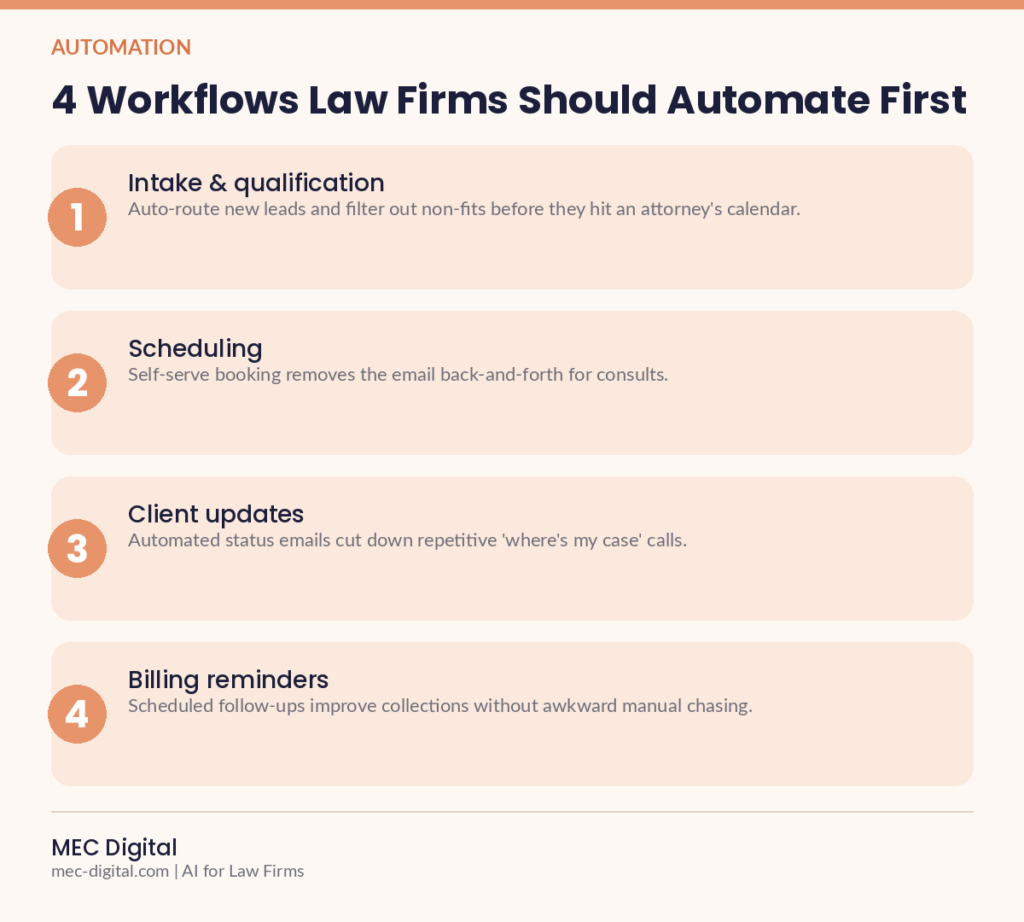
Most firms start with the tasks that are highest-volume and lowest-judgment. The common starting points are:
- Client intake: forms that qualify leads and route them to the right attorney automatically
- Scheduling: booking tools that sync with attorney calendars and send reminders
- Document assembly: templates that generate contracts, letters, or filings from a set of inputs
- Follow-up and nurture: email or SMS sequences that keep leads engaged between consultations and signing
Common Mistakes When Automating a Law Firm
Automation goes wrong most often when it is applied without a clear process behind it first. The recurring mistakes include:
- Automating a broken process, which just makes the same mistakes happen faster
- Removing the human touch entirely from client-facing communication, which reads as impersonal for a service people already find intimidating
- Choosing tools that do not integrate with existing case management software, creating duplicate data entry instead of less
How to Get Started Without Disrupting Your Practice
Start with one bottleneck rather than trying to automate everything at once. Pick the task that eats the most staff time or causes the most missed follow-ups, fix the underlying process, then layer automation on top of it. Test it on a small volume of real cases before rolling it out firm-wide, and keep a person reviewing the output until you trust it. Firms that automate successfully treat it as an ongoing practice, not a one-time project: workflows get revisited as case volume, staff, and software change.
Frequently Asked Questions
Is law firm automation expensive to set up?
It depends on scope. A single automated intake form or scheduling tool can cost very little and pay for itself within weeks in recovered staff time. Firm-wide automation across intake, documents, and follow-up is a bigger investment, which is why most firms start with one workflow and expand from there.
Will clients notice, and will they mind?
Clients generally notice faster responses more than they notice automation itself. The tools that work best are the ones that make a client feel taken care of immediately, like an instant booking confirmation, rather than ones that make interactions feel scripted or robotic.
Do I need an in-house tech person to manage this?
Not for most workflows. Modern intake, scheduling, and document tools are built for non-technical teams to set up and adjust. More complex integrations, like connecting several systems together, usually benefit from outside help for the initial setup.
How long before automation shows results?
Simple workflows like intake routing or appointment reminders typically show measurable time savings within the first month. Bigger process changes, like automated document assembly, take longer to tune but tend to save the most time once they are running smoothly.
Our AI for Law Firms service helps you identify the highest-impact workflow to automate first and set it up without disrupting how your team already works. Get in touch to talk through where automation could save your firm the most time.

Hi, I’m Erwan, and alongside my wife Monica (former corporate lawyer turned branding expert), we help lawyers and law firms go from “great, but unknown” to recognized authorities in their field online. Here’s how it started: We began helping a few lawyers in our circle with their LinkedIn, their website, their online presence. Within weeks, we: - Attracted high-value cases and new clients - Got speaking invitations - Attracted top legal talent and associates We realized one thing: Most lawyers haven’t even started playing the game. That’s why the results come fast. Today, our team of ex-lawyers + branding and tech experts at M.E.C. Digital delivers a full done-for-you growth system, tailored for the legal industry. Here’s what we offer: - Done For You services: positioning, branding, LinkedIn, pitch, SEO article, outreach, networking, PR and Medias, .... we are your external CMO. - Mentoring: We work with you growing your authority online, increasing visibility and opportunities - Training & coaching: Individual or group training. Since 2023, we’ve helped 50+ law firms stand out, build influence, and grow, without sacrificing their time, reputation, or standards. ⸻ If you’re great at what you do but no one knows about it online, we should talk. Book a free consult at: https://calendly.com/mecdigitalerwan/ln Or visit: www.mec-digital.com
View All Articles